Miro vs Mural: Choosing the Best Visual Collaboration Tool in 2026
In this article

Miro vs Mural: Choosing the Best Visual Collaboration Tool in 2026
Digital whiteboards have become essential for distributed teams to brainstorm, plan projects, and map out complex workflows. As we move through 2026, the decision often comes down to a choice between two industry standards. This Miro vs Mural comparison explores the specific strengths of each platform to help your team determine which environment best supports your creative and technical requirements.
Both platforms provide a cloud-based infinite canvas where multiple users can interact simultaneously. They offer tools like digital sticky notes, shapes, connectors, and pen tools to simulate a physical brainstorming session. However, the way they handle large-scale data and user navigation differs significantly, making the Miro vs Mural choice a matter of specific team needs rather than just general preference.
Core Features and Canvas Functionality
When analyzing the technical capabilities of these tools, the primary difference lies in their approach to canvas management. One platform focuses on an expansive ecosystem with a massive library of community-generated templates, while the other prioritizes structured facilitation for workshops and guided sessions. Understanding these nuances is critical for the Miro vs Mural evaluation.
The infinite canvas allows for non-linear thinking, but it requires robust navigation features to prevent users from getting lost. Features like "frames" or "outlines" help organize content into logical sections. In the context of Miro vs Mural, the former is often cited for its fluid zooming and navigation, while the latter excels at locking elements in place to prevent accidental edits during high-stakes client presentations.
- Template Libraries: Both offer pre-built frameworks for Agile ceremonies, Mind Mapping, and Customer Journey Mapping.
- Object Logic: Connectors and lines behave differently; one might offer more snap-to-grid precision, while the other allows for more freeform artistic expression.
- Interactive Widgets: Features like timers, voting tools, and private mode are standard but vary in their UI implementation.
User Experience and Interface Design
The learning curve is a significant factor in the Miro vs Mural debate. A tool is only effective if the entire team can use it without extensive training. One platform utilizes a more minimalist sidebar approach, while the other provides a more comprehensive, icon-heavy interface that caters to power users who need every tool visible at once.
For teams that prioritize quick onboarding, the simplicity of the interface is paramount. In 2026, user experience has shifted toward "contextual menus" that only appear when an object is selected. This reduces visual clutter. When comparing Miro vs Mural, consider whether your team prefers a tool that feels like a professional design suite or one that feels like a simple, digital version of a physical conference room.
- Onboarding: Evaluate how quickly a guest user can join a board and start contributing without an account.
- Performance: Test how the software handles hundreds of simultaneous users on a single board.
- Accessibility: Check for screen reader compatibility and high-contrast modes for inclusive collaboration.
Facilitation and Workshop Management
For Scrum Masters and Design Thinkers, facilitation features are the deciding factor in the Miro vs Mural comparison. Facilitators need the ability to summon all participants to a specific area of the board, hide certain elements until they are needed, and manage timed activities. These "superpowers" ensure that meetings stay on track and productive.
The ability to control the participant experience is where these tools diverge. One platform offers advanced "facilitator locks" and the ability to see exactly where every user's cursor is moving in real-time. This level of transparency is vital for remote coordination. To further enhance this sense of "being there," many teams integrate their whiteboards with Hurbly.ai, which allows members to see who is currently active on a board and jump into a quick discussion without needing a scheduled meeting.
Technical Comparison Table
The following table summarizes the key functional differences to assist in your Miro vs Mural decision-making process for 2026.
| Feature | Platform A (Technical Focus) | Platform B (Facilitation Focus) |
|---|---|---|
| Canvas Type | Infinite / High Performance | Infinite / Structured |
| Integrations | 100+ Third-party Apps | Focus on Enterprise Security |
| Offline Mode | Limited Desktop Support | Browser-based Priority |
| Mobile App | Full Tablet/Mobile Support | Optimized for Stylus Input |
| API Access | Robust Developer Platform | Standard Integration Hooks |
Integration and Workflow Ecosystem
A digital whiteboard should not exist in a vacuum. It must connect with your project management software, file storage, and communication channels. In the Miro vs Mural ecosystem, one platform has historically invested more in a developer marketplace, allowing teams to build custom widgets and automated workflows that sync board data with external databases.
The other platform focuses on deep integration with enterprise security standards and large-scale corporate software suites. This makes it a preferred choice for organizations with strict compliance requirements. When deciding on Miro vs Mural, audit your current "tech stack" to see which whiteboard offers the most seamless data flow between your existing tools.
- Project Management: Syncing sticky notes with task cards in other software.
- Documentation: Embedding live boards into internal wikis or company portals.
- Data Visualization: Importing spreadsheets to generate charts directly on the canvas.
Real-Time Presence and Team Awareness
While whiteboards are excellent for asynchronous work, their value peaks during live collaboration. However, a common challenge in the Miro vs Mural experience is knowing when a teammate is actually available to collaborate on a board. Relying on chat messages to ask "Are you free to look at this?" creates friction.
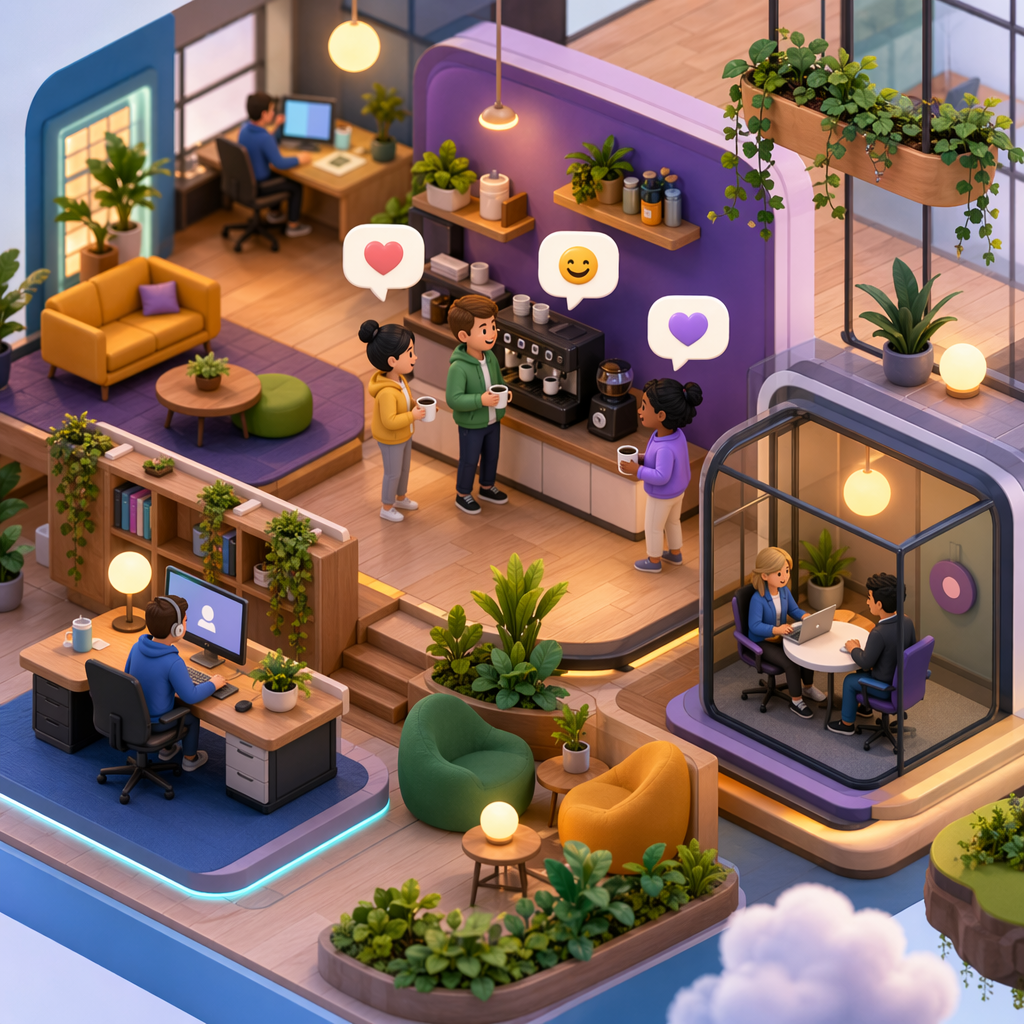
This is where a presence-first approach becomes beneficial. By using Hurbly.ai alongside your chosen whiteboard, you can see at a glance who is "at their desk" or "focused" on a task. If you see a colleague active in the workspace, you can initiate a spontaneous conversation about a specific section of the board. This replicates the experience of walking over to a physical whiteboard in an office, making the Miro vs Mural choice even more effective for high-velocity teams.
Final Considerations for 2026
Choosing between Miro vs Mural ultimately depends on your team's culture. If your work involves complex systems mapping and requires a vast array of technical integrations, one tool may stand out. If your primary goal is running structured workshops and design sprints with external clients, the other may offer the specific control features you need.
Regardless of which tool you select, the goal remains the same: reducing the distance between an idea and its execution. By analyzing the Miro vs Mural landscape and supplementing your choice with tools that enhance team presence, you ensure that your remote or hybrid team remains as cohesive and productive as possible in 2026.

