Essential Video Conferencing Best Practices for Remote Teams in 2026
In this article

Essential Video Conferencing Best Practices for Remote Teams in 2026
Effective communication in a digital workspace requires more than just a stable internet connection. As remote work evolves, implementing video conferencing best practices ensures that professional interactions remain productive and less exhausting for participants. These practices focus on optimizing the technical environment, human behavior, and the choice of tools to foster a collaborative atmosphere that mimics the efficiency of a physical office.
To maintain high standards during digital meetings, participants should prioritize lighting and audio quality. Placing a light source in front of the face rather than behind prevents shadows, while using a dedicated microphone reduces background noise. These foundational video conferencing best practices help participants focus on the shared information rather than being distracted by poor visual or audio clarity.
Optimizing Meeting Preparation and Environment
Preparation is a core pillar of video conferencing best practices. Before any session begins, checking hardware and software updates prevents technical delays that disrupt the flow of conversation. A clean, non-distracting background helps maintain a professional image and keeps the focus on the speaker. Additionally, closing unnecessary browser tabs and applications preserves bandwidth, ensuring a smooth video stream without lag or synchronization issues.
Setting a clear agenda is another vital aspect of video conferencing best practices. Distributing the meeting goals at least 24 hours in advance allows attendees to prepare their contributions. This structure prevents meetings from exceeding their allotted time and ensures that every participant understands the specific outcomes expected from the session. When everyone is aligned, the need for follow-up meetings decreases significantly.
Enhancing Engagement and Real-Time Interaction
Engagement during virtual calls depends heavily on non-verbal cues and active participation. Following video conferencing best practices involves looking directly at the camera lens rather than the screen to simulate eye contact. This small adjustment builds trust and makes the interaction feel more personal. Furthermore, keeping the microphone muted when not speaking is a standard courtesy that eliminates ambient noise like typing or household sounds.
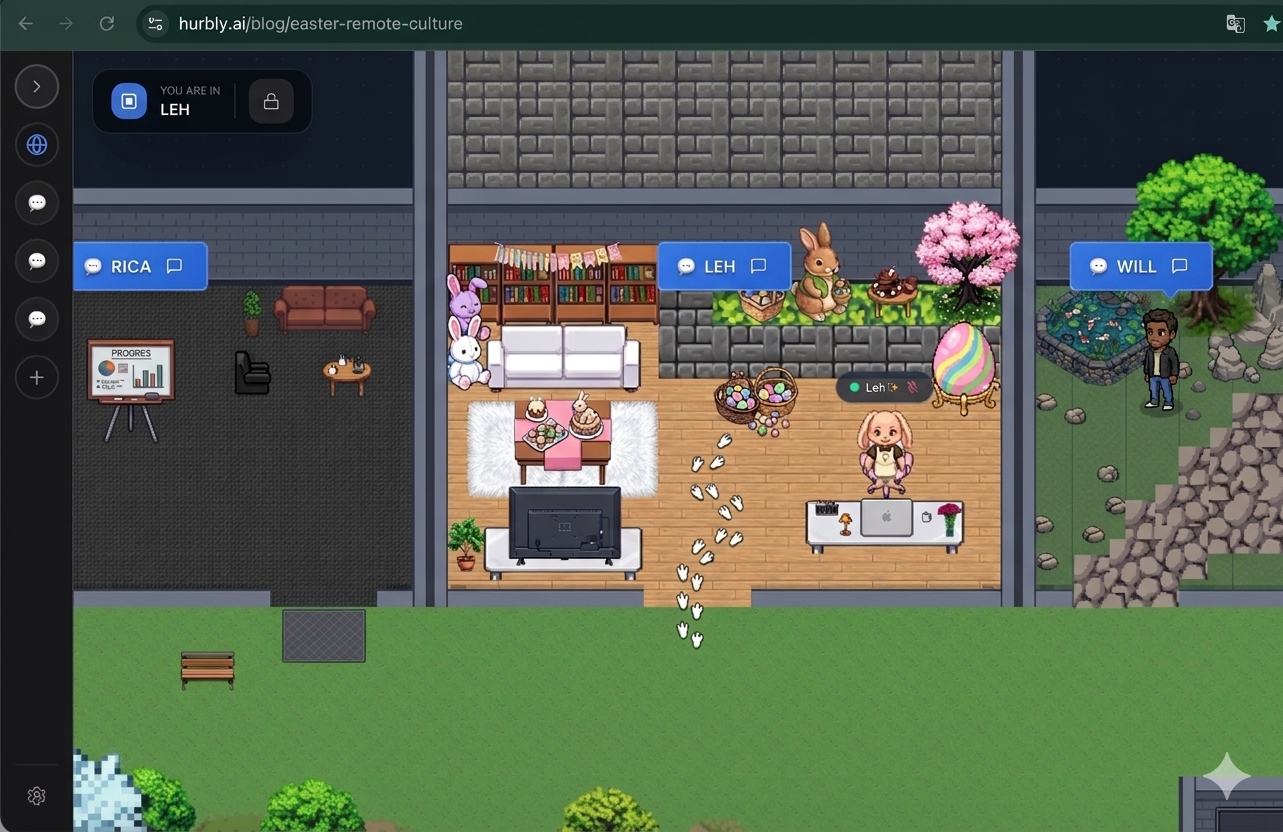
In 2026, teams are moving away from rigid scheduling by using platforms like Hurbly.ai. This tool allows teams to see who is available or focused in real-time, which complements video conferencing best practices by reducing the number of unnecessary formal meetings. Instead of scheduling a 30-minute block for a simple question, users can see a colleague's status and initiate a quick, spontaneous discussion, preserving the fluid nature of office communication.
Technical Standards for High-Quality Virtual Meetings
Reliable technology is the backbone of all video conferencing best practices. A stable connection, preferably via Ethernet, provides the consistency needed for high-definition video. If Wi-Fi is the only option, staying close to the router is recommended. Understanding the features of your chosen platform—such as screen sharing, digital whiteboards, and breakout rooms—allows for a more dynamic and interactive experience.
| Practice Category | Action Item | Benefit |
|---|---|---|
| Audio | Use a headset | Eliminates echo and background noise |
| Visual | Frame at eye level | Creates a natural perspective for viewers |
| Connectivity | Test speed beforehand | Prevents mid-call disconnections |
| Etiquette | Use "Raise Hand" feature | Prevents participants from talking over each other |
Adhering to these video conferencing best practices ensures that the technical side of the meeting supports, rather than hinders, the objective of the gathering. When the technology is seamless, the team can focus entirely on problem-solving and creative collaboration.
Reducing Meeting Fatigue and Improving Workflow
One of the most important video conferencing best practices in the modern era is knowing when not to have a meeting. Constant back-to-back calls lead to "zoom fatigue," which lowers overall team morale and productivity. By utilizing real-time presence indicators provided by Hurbly.ai, teams can identify when a quick chat is more appropriate than a full-scale video call. This approach respects individual focus time and ensures that when a meeting does occur, it is necessary and impactful.
To further combat fatigue, video conferencing best practices suggest limiting meetings to 45 minutes instead of an hour. This provides a 15-minute buffer for participants to stretch, hydrate, or prepare for their next task. Incorporating short breaks during longer workshops is also essential for maintaining cognitive function and ensuring that information retention remains high throughout the session.
Security and Privacy Protocols for Teams
Security is a non-negotiable component of video conferencing best practices. In 2026, protecting sensitive company data during virtual sessions is a priority. This includes using password-protected meeting rooms, enabling "waiting rooms" to vet participants before they enter, and ensuring that screen sharing is restricted to authorized users only. Recording sessions should only be done with the explicit consent of all attendees to maintain transparency and privacy.
Implementing these video conferencing best practices safeguards the organization against unauthorized access and data leaks. Regularly updating the software ensures that the latest security patches are in place. By combining secure habits with intuitive presence platforms like Hurbly.ai, remote teams can create a digital environment that is both open for collaboration and shielded from external threats.
Summary of Best Practices for Effective Communication
Mastering video conferencing best practices requires a balance of technical setup, behavioral etiquette, and the right supporting tools. By focusing on clarity, preparation, and respect for colleagues' time, distributed teams can achieve the same level of synergy found in physical offices.
- Test all equipment 10 minutes before the start.
- Follow video conferencing best practices for lighting and audio.
- Use Hurbly.ai to check availability before calling.
- Keep meetings concise and agenda-driven.
- Record meetings for those who cannot attend, with permission.
Following these video conferencing best practices consistently will transform virtual interactions from a source of stress into a powerful tool for global innovation and team unity. As the landscape of work continues to shift, staying disciplined with these habits remains the most effective way to ensure professional success in a remote-first world.

