The Evolution of VR Meetings in Remote Team Collaboration
In this article

The Evolution of VR Meetings in Remote Team Collaboration
Understanding the Role of VR Meetings in Modern Work
In 2026, the landscape of digital collaboration has shifted toward immersive environments. VR meetings serve as a bridge between physical presence and digital convenience, allowing remote teams to interact within a three-dimensional space. Unlike traditional video conferencing, VR meetings simulate depth and spatial audio, which helps participants perceive where their colleagues are positioned. This spatial awareness reduces the cognitive load often associated with flat-screen interactions, making long sessions more manageable and engaging for distributed workforces.
Implementing VR meetings requires a combination of specialized hardware, such as headsets, and robust software platforms that synchronize data in real-time. These environments allow users to manipulate digital objects, share 3D models, and utilize infinite virtual whiteboards. By using VR meetings, companies can facilitate complex brainstorming sessions that were previously difficult to execute outside of a physical office. This technology ensures that every participant, regardless of their physical location, has an equal presence in the shared workspace.
Technical Requirements and Setup for VR Meetings
To host successful VR meetings, teams must prioritize high-speed internet connectivity and low-latency data transmission. High latency can cause "simulator sickness," where the visual input does not align with the user's physical movements. Therefore, the infrastructure supporting VR meetings must be optimized for real-time rendering. Beyond hardware, the software layer must handle avatar tracking, voice spatialization, and secure data encryption to protect sensitive corporate information discussed during these sessions.
Effective VR meetings also depend on user interface design that is intuitive for non-technical staff. Modern platforms focus on "hand tracking" and natural gestures rather than complex controller inputs. When organizations integrate VR meetings into their workflow, they often start with specific use cases like design reviews or social team-building events. As users become more comfortable, VR meetings gradually replace standard video calls for high-stakes decision-making and collaborative deep-work sessions.
Comparing Communication Formats in 2026
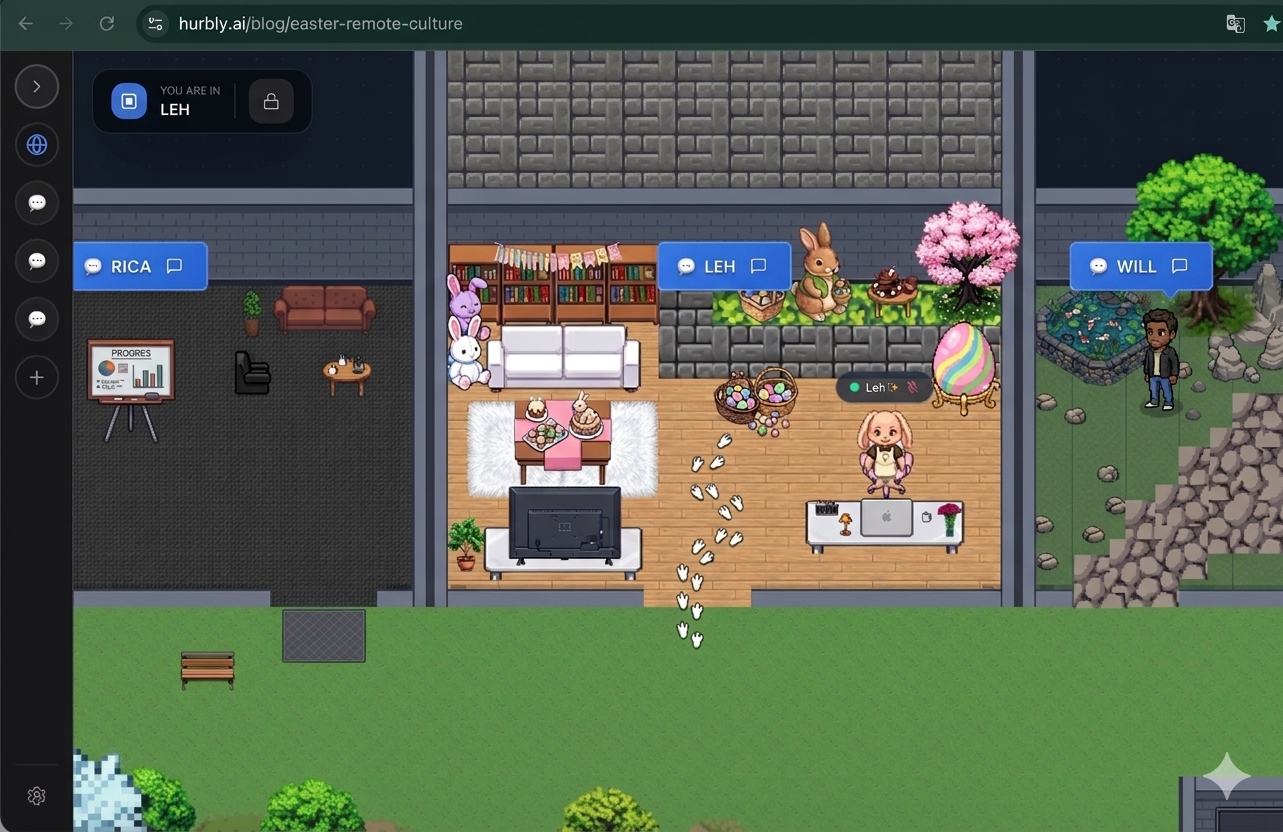
While VR meetings offer high immersion, they are often used in conjunction with other presence-based tools. For instance, Hurbly.ai provides a continuous sense of team presence that complements the deep immersion of virtual reality. While VR meetings are ideal for scheduled, intensive collaboration, a presence platform allows for the spontaneous interactions that lead up to those meetings.
| Feature | Standard Video Calls | VR Meetings | Presence Platforms |
|---|---|---|---|
| Immersion Level | Low | Very High | Moderate |
| Primary Use Case | Quick updates | Creative collaboration | Daily office flow |
| Hardware Needed | Webcam/Laptop | VR Headset | Standard Browser |
| Spontaneity | Low (Scheduled) | Low (Setup required) | High (Instant) |
The integration of VR meetings into a broader ecosystem of tools ensures that teams do not feel isolated. By seeing who is available on a platform like Hurbly.ai, a manager can decide whether it is the right time to invite the team into a specialized environment for VR meetings.
Benefits of Spatial Audio and Presence in VR Meetings
One of the most significant advantages of VR meetings is the use of spatial audio. In a typical video call, all voices come from the same audio source, making it hard to follow multiple speakers. In VR meetings, sound is directional; if an avatar stands to your left, you hear their voice from the left. This mimics natural human hearing and allows for "sideline" conversations within the same virtual room, a feature that significantly improves the realism of digital gatherings.
Furthermore, VR meetings eliminate the distractions of the physical home environment. Once a user puts on a headset for VR meetings, they are visually transported to a neutral, professional space. This immersion helps in maintaining focus during long strategic planning sessions. The ability to maintain "eye contact" through eye-tracking technology in high-end headsets further strengthens the psychological connection between team members during VR meetings, fostering trust and clearer communication.
Enhancing Spontaneous Collaboration and Workflow
The transition from a standard digital workflow to one that includes VR meetings requires a shift in company culture. Teams must learn to balance the "always-on" visibility provided by Hurbly.ai with the deep-dive nature of VR meetings. For example, a developer might show a "focused" status on their presence board, signaling they should not be disturbed, and later switch to "available" when they are ready to join their peers for scheduled VR meetings.
- Presence Check: Use a presence platform to see who is active and available.
- Invitation: Send a request for a quick sync or a formal session.
- Immersive Session: Transition into VR meetings for complex problem-solving.
- Action Items: Record the session or export virtual whiteboard data for follow-up.
By following this structured approach, VR meetings become a functional tool rather than just a novelty. As we move further into 2026, the cost of entry for VR meetings continues to decrease, making it a viable standard for businesses of all sizes. The goal is to create a seamless experience where moving between a chat, a 2D presence map, and VR meetings feels natural and enhances overall productivity.

