How to Make Remote Meetings Actually Worth Attending (A Practical Guide)
In this article

Let's say the quiet part out loud: a lot of remote meetings are terrible. They start five minutes late because someone can't get their audio working. They meander through an agenda nobody prepared. Half the attendees have their cameras off and are clearly on their phones. The person who talks the loudest ends up dominating while the people with the actual insight stay quiet. Decisions are made (or not made, it's hard to tell). And forty-five minutes later, everyone logs off slightly confused about what just happened and mildly resentful about the time they just lost.
This is not a remote work problem, to be fair. Bad meetings existed long before video calls. But remote meetings have a particular flavor of badness that's harder to push through. In person, you can read the room, break into sidebar conversations, and at least feel the social pressure to pay attention. On a video call, the barrier to mentally checking out is much lower, and the cues that signal "this meeting is going nowhere" are much harder to send and receive.
The result is meeting fatigue, calendar creep, and a creeping sense that your most collaborative hours of the day are being eaten by something that could have been an email. The good news: this is almost entirely fixable. Good remote meetings are not a mythical creature, they're the result of a few specific habits applied consistently.
Start With the Most Important Question: Does This Need to Be a Meeting?
Before we talk about how to run better meetings, we need to talk about the meetings that shouldn't exist. Because the best meeting improvement strategy is often meeting elimination.
For every meeting you're about to schedule, ask these questions:
- What is the specific outcome I need from this meeting?
- Can that outcome be achieved asynchronously (via a document, thread, or recorded video)?
- Who actually needs to be in the room for this decision or conversation, and who could just get a summary afterward?
- Is this meeting creating value proportional to the collective time it's consuming?
The math on meeting costs is sobering. A one-hour meeting with eight people costs eight hours of collective human time. If that meeting produces a decision that could have been made in a 300-word Slack thread, you've burned seven hours and fifty minutes. At scale, this adds up to tens of thousands of dollars in productivity every month.
Good reasons for a synchronous meeting:
- Complex, emotionally nuanced conversations (feedback, conflict resolution, sensitive topics)
- Creative brainstorming that benefits from real-time energy
- Critical decisions where back-and-forth is genuinely needed and speed matters
- Relationship-building moments (especially for team connection, onboarding, culture)
Good reasons to use async instead:
- Status updates
- Information sharing (send a Loom video or a written summary)
- Simple decisions where the options are already clear
- Anything that's primarily one person talking at others
- Check-ins that could just be a Slack message
You don't have to eliminate all meetings. Just be honest about which ones are earning their place.
The Anatomy of a Meeting That Actually Works
When you do need a meeting, the difference between a good one and a bad one usually comes down to preparation, structure, and follow-through. Here's what each of those looks like in practice.
Preparation (The Night Before, Not The Morning Of)
Every meeting needs a clear purpose statement. Not just a title, but a one sentence description of what "done" looks like. "Product roadmap discussion" is a title. "Decide on the Q3 product priorities and assign owners to the top three initiatives" is a purpose. One tells you what the meeting is about. The other tells you whether the meeting was successful.
Send the agenda in advance, with enough time to actually prepare. 30 minutes before the meeting is not enough. 24 hours is the minimum. Include: the purpose, the agenda items with time estimates, any pre-reading or pre-work required, and what you'll need from each participant.
Do the pre-work seriously. If you're asking people to review a document before the meeting, give them something worth reviewing, a proper brief, a clear proposal, a list of options with tradeoffs. And actually read what they send back before you show up.
Invite only the people who need to be there. Every additional person in a meeting increases coordination cost and decreases average participation. Ruthlessly limit attendance to decision-makers and essential contributors. Everyone else can get the notes.
Structure (During the Meeting)
Start on time, every time. This sounds like a small thing but it's a huge culture signal. Starting late tells everyone that their time isn't valuable. Starting on time, with or without latecomers, tells everyone you're serious.
Open with clarity. State the purpose and the desired outcome at the start of every meeting. "We have forty-five minutes. By the end of this call, we need to decide X and assign owners for Y. Here's how we're going to get there." This focuses the energy and signals to everyone what they're responsible for contributing.
Assign a facilitator. Not everyone in the meeting needs to run the meeting. Designate one person, the facilitator, who is responsible for keeping the conversation on track, drawing out quieter voices, managing time, and calling the meeting to a close when decisions are reached. Rotating this role is a good practice.
Use structured turn-taking for important discussions. In remote meetings, whoever starts talking gets the floor and it can be hard to interject. For discussions where broad input matters, use explicit turn-taking: "I'd like to hear from everyone on this, let's go around starting with [name]." Or use a chat-based poll or silent writing exercise to surface input from everyone simultaneously before the verbal discussion starts.
Keep camera-on norms clear but not punitive. Camera presence helps with engagement and connection, and it's worth encouraging. But mandatory cameras can create resentment and genuine accessibility issues (poor internet, home environment discomfort, health reasons). A norm like "cameras on when we're in active discussion, off during presentations or long listening portions" can be a reasonable middle ground.
Protect time for actual thinking. One of the failures of remote meetings is that they become monologue ping-pong, people talking at each other rather than genuinely thinking together. Build in pauses. Ask for time to write before discussing. Silence is okay; it usually means people are thinking, which is what you want.
Don't let the last 10 minutes disappear. Meeting time has a way of evaporating, and the last 10 minutes are often the most important, where decisions get made and next steps get assigned. Set a hard stop at 10 minutes before the scheduled end to do your closing routine.
Follow-Through (After the Meeting)
Send meeting notes within 24 hours. Not a transcript, a concise summary of decisions made, action items with owners and deadlines, and any open questions. This document is the output of the meeting. Without it, the meeting might as well not have happened.
Act on the actions. If action items from the previous meeting aren't being completed, your meetings are a performance, not a process. Start recurring meetings with a 5-minute review of last meeting's action items. Accountability closes loops.
Follow up with people who weren't there. Anyone who needed to attend but couldn't (time zone conflict, schedule conflict, etc.) should receive the notes proactively, not have to ask. If the meeting produced decisions that affect them, a personal message is more considerate than a blanket channel post.
The Meeting Formats That Work Best for Remote Teams
Different types of conversations benefit from different structures. Here are the formats worth knowing.
Daily standup (15 minutes max). What did I do yesterday? What am I doing today? Any blockers? Each person gets 60-90 seconds. This only works if it's genuinely fast. Use a timer. If you exceed 15 minutes, you're doing standups wrong.
Weekly team meeting (45-60 minutes). Team wins from last week, blockers and challenges, priorities for the week ahead, one team-building moment. Clear agenda, consistent format, facilitated.
One-on-ones (30-45 minutes, weekly). Not status updates. Career conversation, feedback exchange, personal check-in, coaching. This is where the actual management happens.
Decision meetings (clearly bounded). A meeting called specifically to make one decision. Circulate a decision brief in advance (options, tradeoffs, recommendation). Come to the meeting to discuss and decide. Leave with a clear answer and owner. These should be short and sharp, 30 minutes or less if the pre-work is done.
Retros (60-90 minutes, monthly or end-of-project). What went well? What could be better? What are we going to try next? Use a structured format (Start/Stop/Continue, 4Ls, etc.) and run it in writing before discussion to give introverts and quieter voices equal input.
All-hands (monthly or quarterly). Company updates, culture building, leadership visibility. These can be partially async, pre-record some sections, then have live Q&A. Keep them tight and give people something they couldn't have gotten from a written update.
How Hurbly Makes Remote Meetings Better
Here's something that rarely gets said: a lot of what makes remote meetings exhausting is the context-switching. Every meeting requires logging into a tool, joining a link, going through the "can everyone hear me?" ritual, and then losing all the ambient context that a shared physical space provides.
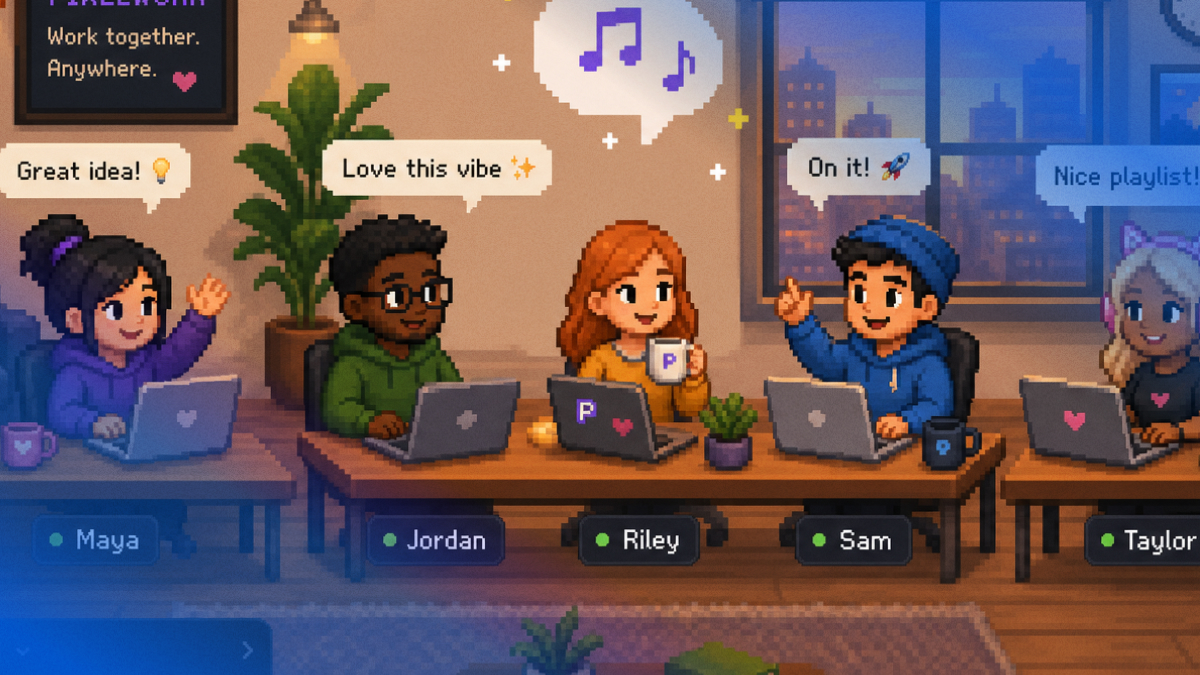
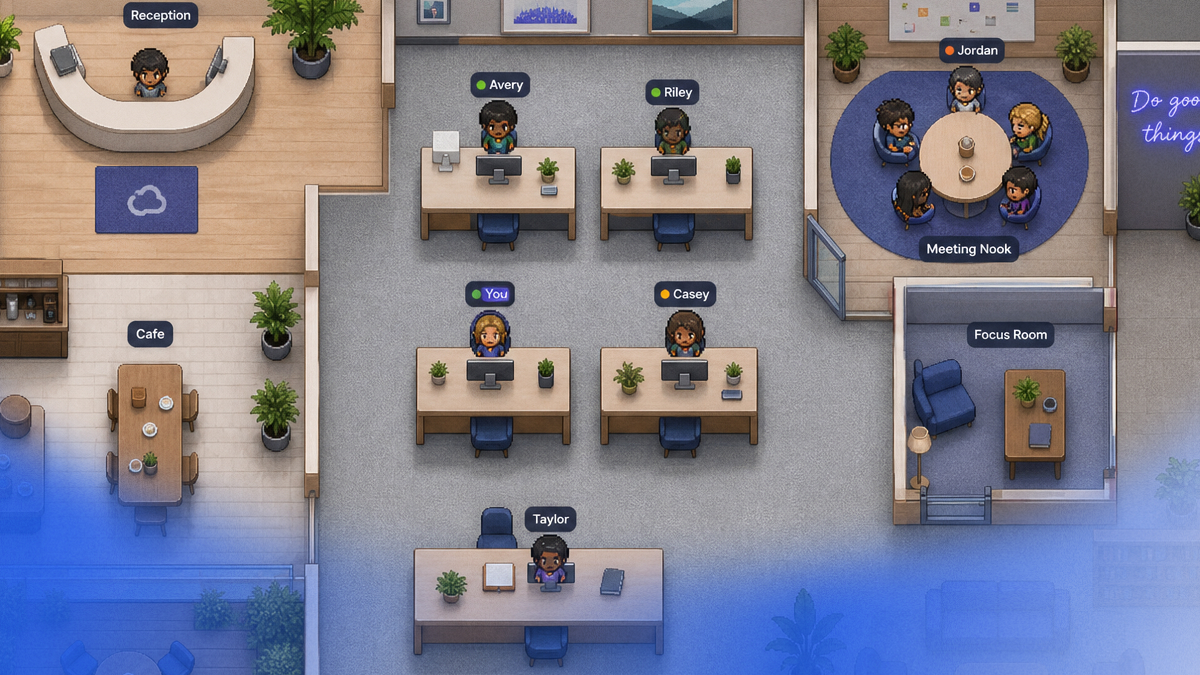
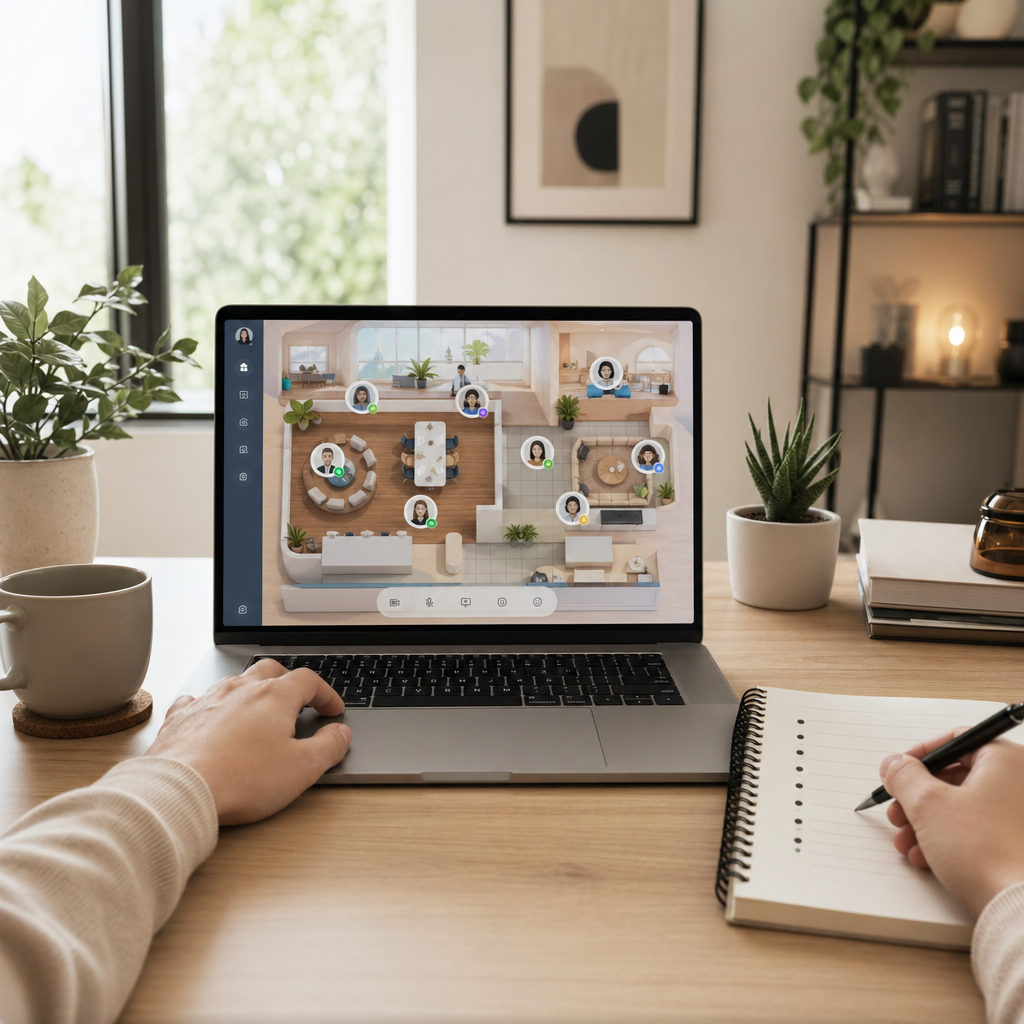
Hurbly's virtual office changes this dynamic. When your team is already in the same virtual space throughout the day, meetings become less of an event and more of a natural extension of working together. You can see when people are ready, drop into a room together without a link, and wrap up without the jarring "end meeting for all" button. Informal pre-meeting chat and post-meeting debrief happen organically, the way they would in a real office.
Beyond the mechanics, Hurbly reduces meeting fatigue by giving your team a shared environment where spontaneous conversations happen naturally, which means many of the discussions that currently require a scheduled meeting can just happen when the moment is right. Fewer necessary meetings, better experience for the ones you do have.
Read our piece on virtual water cooler ideas for remote teams for more ways to make informal interaction replace unnecessary formal meetings.
Try Hurbly free for 30 days and see how much better your meeting culture can be.
Frequently Asked Questions
Q: How do we handle people who dominate remote meetings and don't let others speak?
A: Explicit facilitation is the best tool. The facilitator's job is specifically to manage airtime and draw in quieter voices. Techniques that help: structured round-robins ("let's hear from everyone"), silent writing before discussion (everyone types their response simultaneously), and post-meeting reflection notes where anyone can add thoughts. You may also need to have a direct conversation with the person who's dominating, a kind, private one about the impact of their communication style.
Q: How many meetings a week is too many for a remote team?
A: This varies by role and team, but a useful rule of thumb: nobody should be in meetings for more than 50% of their workday. If you're seeing meeting totals regularly exceeding 4 hours in an 8-hour workday, something needs to be cut. Start a quarterly "meeting audit" where you review every recurring meeting and decide whether each one is earning its place.
Q: Should remote meetings always have video on?
A: Not necessarily. Video-on significantly improves connection and engagement, and is worth encouraging for discussions that benefit from visual cues. For long presentations or large all-hands, video may not add much. A reasonable norm: cameras on during active discussion and relationship-building moments; cameras optional during information-delivery-heavy segments. Never penalize people for camera-off.
Q: How do we make decisions faster in remote meetings without steamrolling people?
A: The key is decision clarity before the meeting, not during it. If everyone comes to the meeting having already read a clear decision brief (the options, the recommendation, the rationale), most of the decision-making work is already done. The meeting becomes a place to surface concerns, not to figure out what you're deciding. This dramatically speeds things up without sacrificing input.
Q: What's the best way to handle recurring meetings that have outlived their usefulness?
A: Cancel them explicitly and explain why. Don't just quietly stop scheduling, tell the team that you're ending the meeting and what will replace it (or that it doesn't need to be replaced). This models good meeting hygiene and signals that you take people's time seriously. Then institute a quarterly review where any recurring meeting has to justify its continued existence.
Want your remote team to actually feel connected? Try Hurbly free for 30 days →